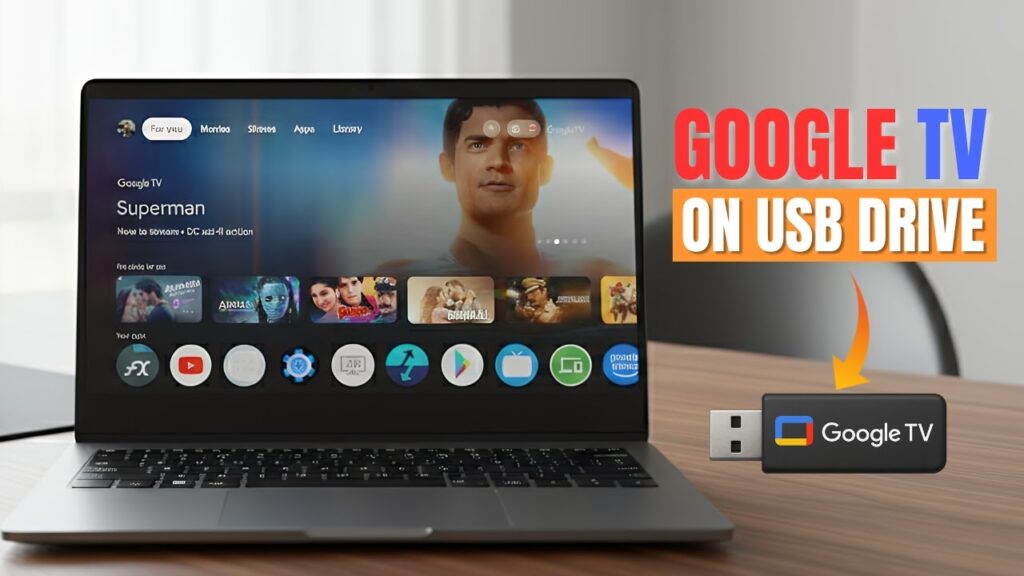
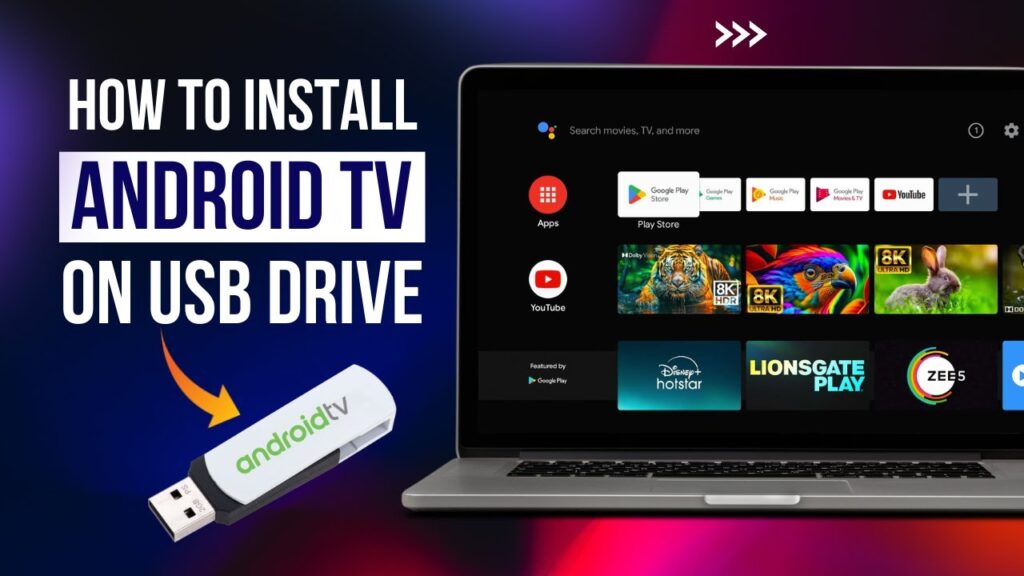
Want to turn any PC into a smart TV without replacing Windows?
You can run a full Android TV operating system directly from a USB drive. Just plug it in, boot, and enjoy Android TV anywhere.
This method does not modify your hard drive. It runs completely from USB and is portable.
You can carry Android TV in your pocket.
📥 Required Downloads
Requirements
- USB drive (minimum 8GB)
- USB 3.0 recommended for speed
- PC or laptop that supports USB boot
- Internet connection
- Rufus software
Step 1 — Create Bootable USB
Open Rufus and insert your USB drive.
- Select your USB device
- Click Select
- Choose Android TV ISO
- Set File System to FAT32
- Click Start
Wait until Rufus completes.
Step 2 — Extract Storage File
The USB contains a compressed file named:
data4GB.zip
This file expands Android storage.
- Right-click data4GB.zip
- Select Extract Here
- Use 7-Zip or WinRAR
After extraction you’ll see:
data.img
This file acts as internal Android storage.
Step 3 — Boot Android TV
Restart your PC and open the Boot Menu.
Select your USB drive.
The system will boot into Android TV.
Step 4 — Initial Setup
- Select language
- Connect Wi-Fi
- Sign into Google account
- Complete Android TV setup
If Wi-Fi does not work:
- Use Ethernet cable
- Select VirtualWiFi option
- Choose Android TV network
- Press Escape to continue
What You Can Do
- Install Play Store apps
- Watch YouTube & Netflix
- Stream movies
- Play Android games
- Use Google Assistant
It behaves like a real Android TV box.
Performance Tips
- Use USB 3.0 or SSD drive
- Use wired internet for stability
- Close background PC programs
- Use keyboard + mouse remote
Troubleshooting
- USB not booting → enable USB boot in BIOS
- No Wi-Fi → use Ethernet
- Slow performance → use faster USB
- Black screen → try different USB port
FAQs
Does this erase Windows?
No.
Can I use it on another PC?
Yes. Fully portable.
Do apps save?
Yes, inside data.img.
Is installation permanent?
No. Runs from USB only.
Final Result
You now have Android TV running from a USB drive without installing anything.
Any computer can become a smart TV instantly.
If this guide helped you, bookmark it and share it.