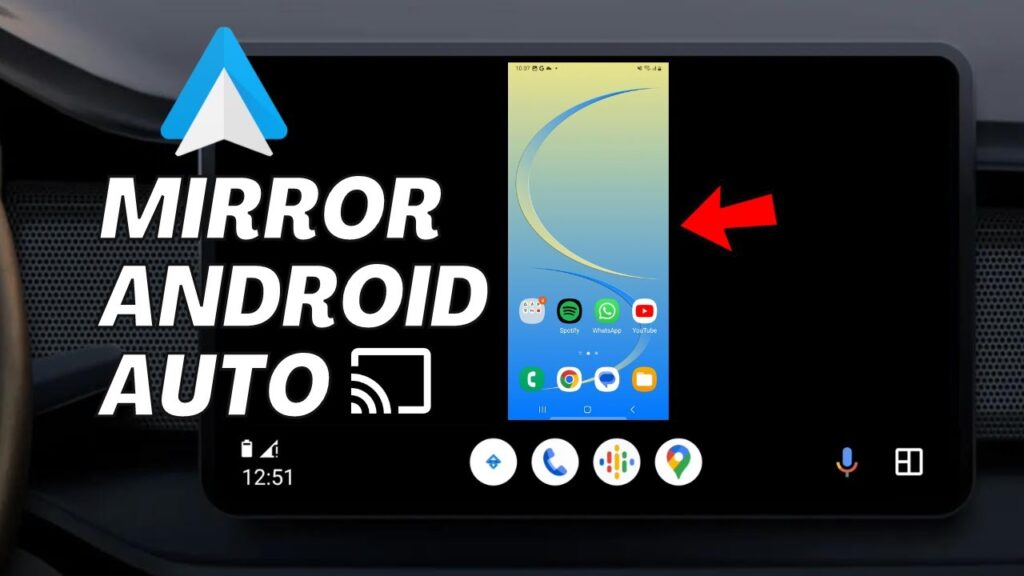
Want to mirror your Android phone screen to your car’s Android Auto display?
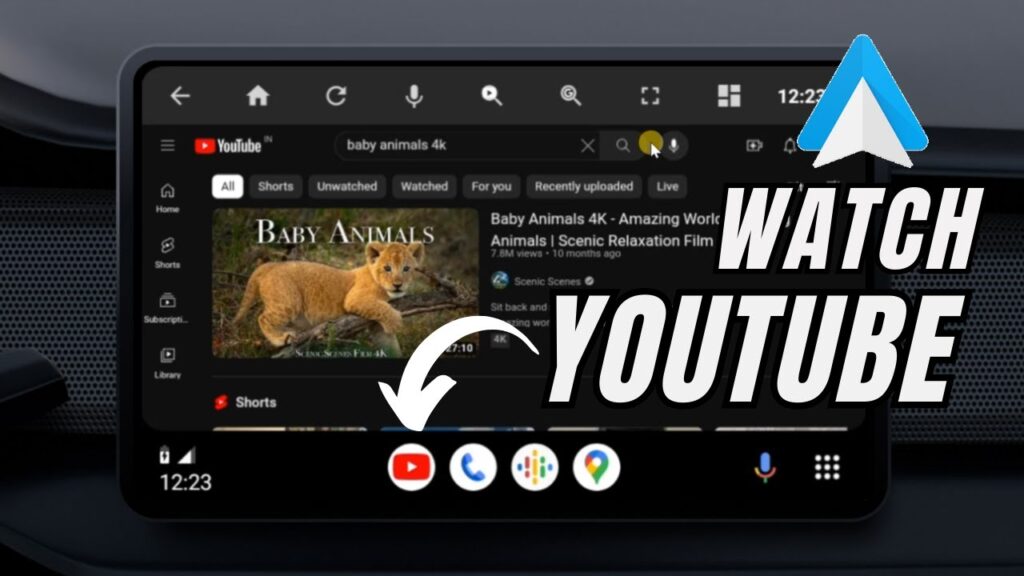
This allows you to open YouTube, maps, messaging apps, and even normal Android apps directly on your car screen.
Android Auto normally blocks screen mirroring for safety reasons. But using a tool called Screen2Auto, you can unlock advanced functionality.
This method works without rooting your phone and does not modify your car system.
⚠ Safety Warning
- Do not watch videos while driving
- Use only when parked
- Follow local driving laws
- Screen mirroring may distract drivers
📥 Required Apps
Step 1 — Install AAAD App
Screen2Auto is not available on Play Store.
We install it using AAAD (Android Auto Apps Downloader).
- Download AAAD APK from GitHub
- Install it manually
- Allow Unknown Sources permission
Open AAAD after installation.
Step 2 — Install Screen2Auto
- Inside AAAD, select Screen2Auto
- Tap Install
- If blocked, choose Install Anyway
After installation, Screen2Auto appears on your home screen.
Step 3 — Grant Screen2Auto Permissions
Open Screen2Auto for the first time.
The setup wizard requests permissions:
- Overlay access
- Accessibility access
- Storage access
- Display permission
Enable all permissions.
Root access is optional. The app works on non-rooted phones.
Step 4 — Enable Android Auto Developer Mode
- Open Android Auto settings
- Scroll to Version
- Tap it repeatedly
- Developer mode activates
Then:
- Tap the three-dot menu
- Open Developer Settings
- Enable Unknown Sources
This allows third-party Android Auto apps.
Step 5 — Connect Phone to Car
Use a USB cable to connect your phone to the car head unit.
Open Android Auto.
You should see Screen2Auto in the app drawer.
Step 6 — Mirror Your Screen
Open Screen2Auto.
The app launches its own launcher.
Tap Applications.
Select any installed app to open it on the car screen.
The phone streams the app to the display.
You can control it using the car touchscreen.
What You Can Run
- YouTube
- Navigation apps
- Music players
- Messaging apps
- Android games
Some apps may be limited by Android Auto restrictions.
Troubleshooting
- Screen2Auto missing → enable developer mode
- App crashes → restart phone
- No streaming → reconnect USB
- Permission error → reopen Screen2Auto setup
Performance Tips
- Use original USB cable
- Keep phone cool
- Close background apps
- Use fast USB port
FAQs
Does this require root?
No.
Is this safe?
Yes, but use responsibly.
Will this damage my car system?
No.
Can I uninstall later?
Yes like a normal app.
Final Result
You can now mirror your Android phone screen directly onto your car’s Android Auto display.
Your car becomes a smart Android console.
If this guide helped you, bookmark it and share it.