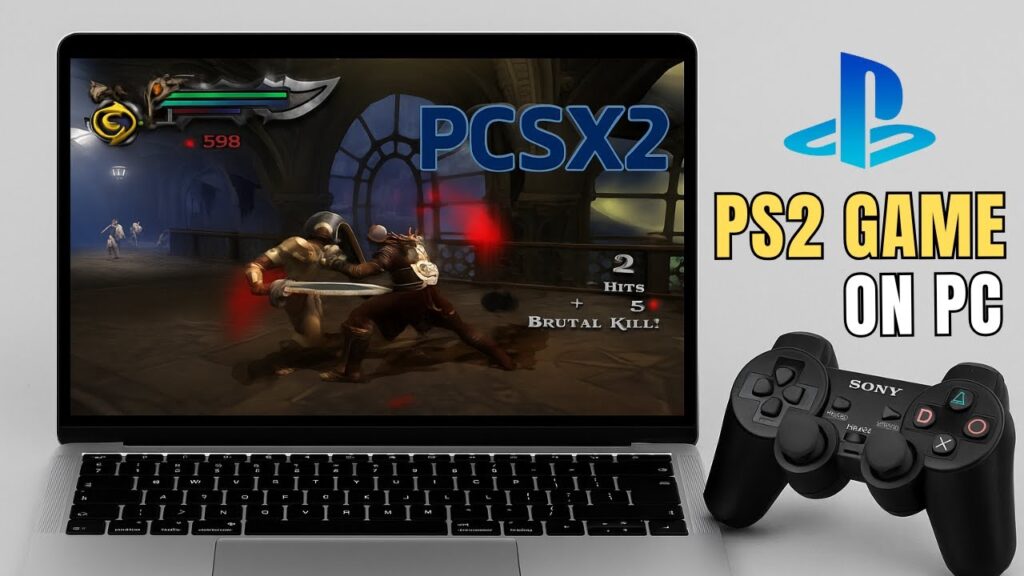
Want to relive your favorite PlayStation 2 games on your PC?
PCSX2 is a free and open-source PS2 emulator that lets you run PS2 games in HD, with smoother performance and enhanced graphics.
This beginner guide walks you through everything step-by-step.
⚖ Legal Notice
PCSX2 is legal to use.
However, you must use:
- Your own PS2 BIOS file
- Your own game backups
The emulator does not include BIOS files for legal reasons.
📥 Download PCSX2 (Official)
Stable vs Nightly Build
- Stable build → safest for beginners
- Nightly build → newest features, possible bugs
Start with the Stable version.
Install PCSX2
- Download installer
- Run setup
- Follow on-screen instructions
- Launch PCSX2
Setup wizard opens automatically.
Step 1 — Add PS2 BIOS
BIOS is required to run games.
Copy your BIOS file into:
PCSX2 → bios folder
In PCSX2 click Refresh List.
Select your BIOS.
Click Next.
Step 2 — Add Game Folder
Create a folder for your PS2 ISOs.
Inside PCSX2:
- Click Add Game Directory
- Select ISO folder
PCSX2 scans automatically.
Your games appear in the main window.
Step 3 — Configure Controller
Keyboard works, but controller is recommended.
Supported controllers:
- Xbox controllers
- PlayStation controllers
- USB gamepads
Go to:
Settings → Controllers → Controller Port 1
Enable DualShock mode.
Map buttons manually.
Repeat for Player 2 if needed.
Step 4 — Graphics Settings
Open:
Settings → Graphics
Renderer options:
- Vulkan (best for most GPUs)
- Direct3D11
- Direct3D12
- OpenGL
Select your dedicated GPU in Adapter menu.
Upscaling Resolution
PS2 native resolution is low (~480p).
PCSX2 can upscale for HD visuals.
- 2x = 720p
- 3x = 1080p
- 4x+ = 4K quality
Choose a level your GPU can handle smoothly.
Widescreen Mode
Enable:
Enable Widescreen Patches
Set aspect ratio to 16:9.
Games display properly without stretching.
Texture Improvements
Enable:
- Texture Filtering
- Anisotropic Filtering
This smooths textures at higher resolution.
Launch a Game
Double-click a game.
Press:
Alt + Enter
to enter fullscreen.
Save Your Progress
PCSX2 supports:
- Normal in-game saves
- Save states (instant saves)
You can resume anytime.
Performance Tips
- Use Vulkan renderer
- Lower internal resolution if lagging
- Close background apps
- Use SSD for faster loading
Troubleshooting
- Black screen → wrong BIOS
- Slow gameplay → lower resolution
- Controller not detected → reinstall drivers
- Game crashes → try different renderer
FAQs
Is PCSX2 safe?
Yes, open source.
Can I play multiplayer?
Yes, local multiplayer supported.
Does it work on laptops?
Yes, if GPU is strong enough.
Is it better than original PS2?
Yes, HD graphics and smoother gameplay.
Final Result
You can now enjoy PS2 classics on your PC with HD graphics and smooth performance.
PCSX2 brings retro gaming to modern hardware.
If this guide helped you, bookmark it and share it.