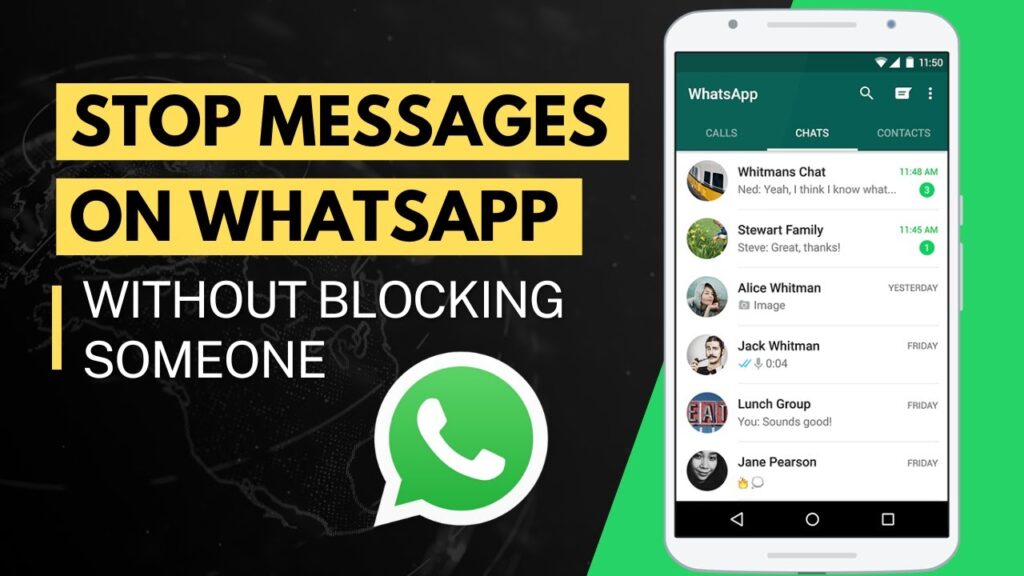
Blocking someone on WhatsApp can feel extreme. Sometimes you just want peace without creating drama.
Good news — WhatsApp lets you stop receiving messages from someone without blocking them. The other person won’t know, and you still keep the chat if you need it later.
This guide shows two safe and official methods that work on Android and iPhone.
What These Methods Do
- Stop notifications from a specific person
- Hide their messages from your chat list
- Prevent disturbance without blocking
- Keep the conversation stored safely
- Other person will never know
Method 1 — Mute + Lock the Chat
This method silences the chat and hides it inside a locked folder.
You won’t see new messages unless you open the locked chat manually.
Steps
- Open the WhatsApp chat of the person
- Tap their name at the top
- Turn on Mute Notifications
- Select Always
- Enable Chat Lock
- Confirm with your phone lock pattern
The chat now moves to the Locked Chats folder.
No notifications will appear.
You must manually open the locked folder to see messages.
Method 2 — Archive the Chat Permanently
This method hides the chat and prevents notifications.
Steps
- Mute the chat first (same as Method 1)
- Open WhatsApp Settings
- Go to Chats
- Enable Keep Chats Archived
- Long press the chat
- Tap the Archive icon
The chat stays hidden even when new messages arrive.
You will not receive alerts.
Difference Between Lock and Archive
| Feature | Chat Lock | Archive |
|---|---|---|
| Hidden from main list | Yes | Yes |
| Password protected | Yes | No |
| Notifications blocked | Yes | Yes |
| Easy access | Locked folder | Archive folder |
Important Notes
- The person is NOT blocked
- They can still send messages
- You just won’t be notified
- No blue tick behavior changes
- No suspicion created
FAQs
Will the person know I muted them?
No.
Does this stop messages completely?
No, it stops notifications only.
Can I undo this later?
Yes, anytime.
Works on iPhone?
Yes.
Final Result
You now have peace without blocking anyone.
Messages stay hidden, silent, and private.
No awkward conversations needed.
If this guide helped you, bookmark it and share it.