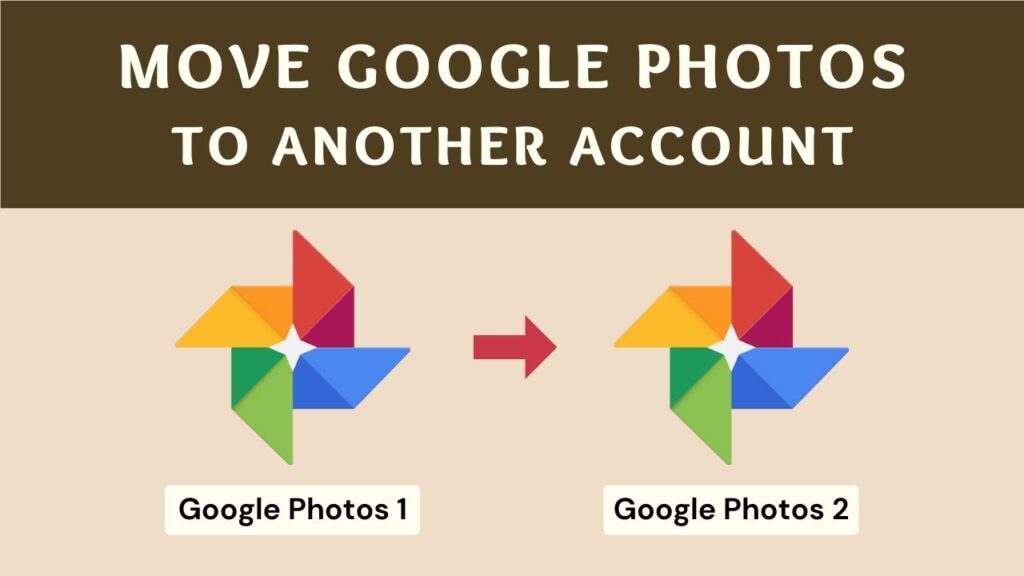
Switching Google accounts but don’t want to download thousands of photos manually?
You can transfer Google Photos directly from one account to another without downloading and re-uploading anything.
This guide shows two safe methods that keep original quality and metadata intact.
📥 Required Websites
Method 1 — Using Google Photos Sharing Feature
This method uses Google’s built-in sharing system.
No third-party tools required.
Step 1 — Login to First Account
Open Google Photos in your browser and log in to the account that contains the photos.
Step 2 — Select Photos
Select the photos you want to transfer.
To select many photos:
- Click the first photo
- Scroll to the bottom
- Hold Shift
- Click the last photo
Note: Ctrl + A does not work here.
Step 3 — Create Share Link
- Click Share icon
- Create shareable link
- Copy link
Step 4 — Open Second Account
Open a new browser tab or use another browser.
Log in to your second Google account.
Paste the share link and open it.
Step 5 — Save Photos
Click Save.
All selected photos are copied into the second account.
You can now delete them from the first account safely.
Method 2 — Using MultCloud Cloud Transfer
This method is automatic and works in the background.
Best for very large libraries.
Step 1 — Create MultCloud Account
Go to MultCloud website and create a free account.
You can also log in with Google.
Step 2 — Add Both Google Accounts
- Add first Google Photos account
- Add second Google Photos account
Step 3 — Start Transfer
- Select source Google Photos
- Select destination Google Photos
- Click Copy To
- Click OK
The transfer runs on MultCloud servers.
You can close your browser.
The process continues automatically.
Which Method Should You Use?
- Small transfer → Method 1
- Thousands of photos → Method 2
- Automatic migration → Method 2
Troubleshooting
- Photos missing → refresh account
- Share link not opening → log in first
- MultCloud slow → wait, large transfers take time
- Duplicates → Google merges automatically
FAQs
Does quality change?
No.
Are originals preserved?
Yes.
Is this safe?
Yes.
Can I delete first account later?
Yes.
Final Result
Your Google Photos library is now moved to another account without downloading anything.
All albums and metadata stay intact.
If this guide helped you, bookmark it and share it.