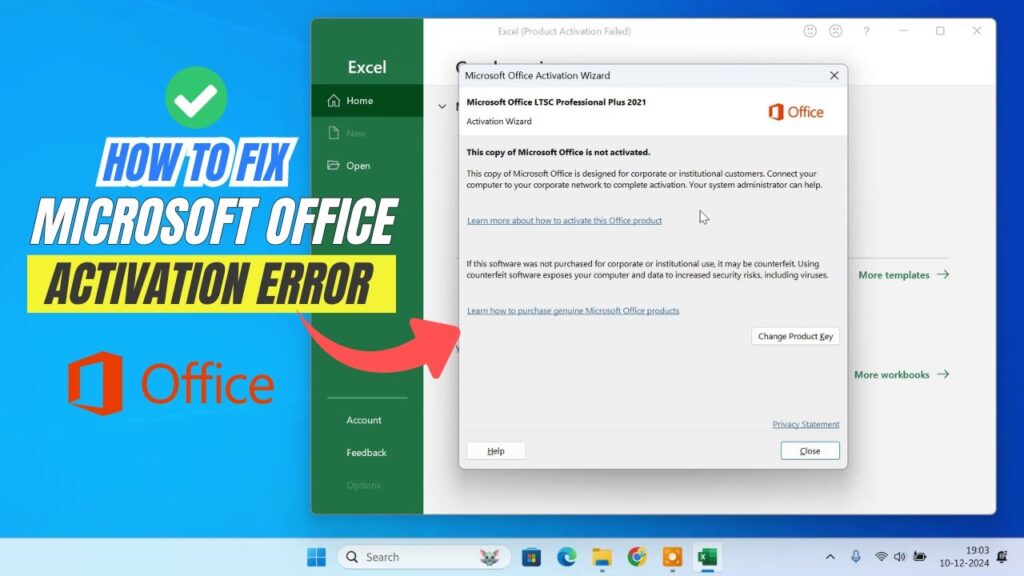
Seeing the error “This copy of Microsoft Office is not activated” can be frustrating. It usually appears when your Office trial expires or activation fails.
The good news: Microsoft includes a built-in feature called the Rearm method that temporarily resets the activation grace period.
This is an official feature inside Office. No cracks. No illegal tools. No risky downloads.
What the Rearm Method Does
The rearm command extends the Office trial period by 30 days.
You can use it up to 5 times:
5 × 30 days = 150 days totalAfter that, a valid license is required.
This method is a temporary fix — not permanent activation.
Step 1 — Close All Office Apps
Close Word, Excel, PowerPoint, Outlook, and any Office program completely.
This prevents command errors.
Step 2 — Open Command Prompt as Administrator
- Click Start
- Search Command Prompt
- Right-click → Run as Administrator
Step 3 — Navigate to Office Installation Folder
Most Office versions are installed in:
cd C:\Program Files\Microsoft Office\OfficeXXIf you use 32-bit Office on 64-bit Windows:
cd C:\Program Files (x86)\Microsoft Office\OfficeXXReplace XX with your Office version number:
- Office 16 → Office16
- Office 15 → Office15
- Office 14 → Office14
Step 4 — Run the Rearm Command
cscript ospp.vbs /rearmPress Enter.
You should see a success message confirming the rearm.
Step 5 — Restart Your PC
Restart the computer to apply changes.
After reboot, open Word or Excel.
The activation error should disappear.
Important Notes
- Rearm only resets trial — it does not activate Office
- You can use it up to 5 times
- After 150 days, a license is required
- This method is official and built into Office
Troubleshooting
- Command not recognized → wrong Office folder
- Access denied → run as administrator
- Error persists → restart PC
- Folder missing → Office not installed correctly
Final Result
You temporarily restored Microsoft Office functionality using the official rearm method.
This gives you additional time before purchasing a license.
If this guide helped you, bookmark it and share it.